WhatsApp Campaigns

High-volume WhatsApp campaigns for less.

Send targeted WhatsApp campaigns from the same Qwickly platform that already manages your clients, bookings, and reminders.

How it works

Create the campaign in 3 steps.

Pick the right clients, build a visual WhatsApp campaign, then send now or schedule it for later.

248 selected
Recent lash clients
Inactive 60+ days
Birthday month
1

Choose your audience

Target clients using booking history, service history, tags, last visit, upcoming bookings, or client status.
2

Build your message

Create a promotion, rebooking reminder, quiet-day offer, birthday message, or client follow-up.

Send now
Schedule Friday 09:00
Ready for 1,240 clients
3

Send, schedule, and track

Send now, schedule for later, and see replies, campaign activity, and booking interest from one place.

Campaigns

Everything your campaigns can do.

From choosing a goal to tracking replies, Qwickly keeps every step of your WhatsApp campaign connected to your clients and bookings.

01

Start with the campaign goal.

Create a campaign for a specific purpose: filling quiet days, promoting a service, announcing an offer, or following up with past clients.

Campaign goal WhatsApp campaign Client follow-up
02

Send messages that look ready for clients.

Build campaigns with text and images, so your promotions feel polished and clear before they reach your clients.

Image campaigns Message text Promotion content
03

Send to the right clients.

Choose who receives each campaign using client details, service history, last visit, booking status, tags, or previous campaign activity.

Audience selection Client filters Booking history
04

Review every campaign before it goes out.

Check the message, image, audience, and campaign details before sending, so your team stays in control of what clients receive.

Campaign preview Team review Send control
05

Send campaigns at a controlled pace.

Qwickly can send campaigns through a controlled queue, helping your business manage daily sending limits instead of blasting every client at once.

Daily limits Send queue Batch sending
06

See campaign progress clearly.

Track campaign sending progress so your team can see what has been sent, what is still queued, and what may need attention.

Send progress Delivery status Campaign queue
07

See who replied.

Track replies from clients so your team can see who is interested, who needs help, and which conversations should become booking opportunities.

Replies Follow-up Client interest
08

Turn campaign interest into bookings.

Campaign replies can connect back to your booking workflow, client profile, and booking page, so interest does not get lost inside WhatsApp.

Booking requests Campaign source Client profile
Before and after

Before and after Campaigns.

Before Qwickly

Manual follow-ups

  • Sending the same message to everyone
  • Forgetting who needs a reminder
  • Quiet slots stay empty
  • Replies get lost in WhatsApp
  • No clear campaign history
  • Promotions live outside bookings
Get started
After Qwickly

Targeted campaigns

  • Focused audiences
  • Rebooking reminders sent faster
  • Quiet slots promoted intentionally
  • Replies linked to clients
  • Campaign activity tracked
  • Bookings created from interest
Get started
FAQ

Frequently asked questions.

Quick answers about WhatsApp campaign audiences, images, send limits, booking links, and scheduling.

Can I choose which clients receive a campaign?
Yes. Qwickly campaigns are designed around selected client lists and targeted audiences.
Can I send campaigns with images?
Yes. Campaigns can include visual content so promotions and announcements feel more polished.
How many messages can I send per day?
The campaign page is positioned around up to 2,000 WhatsApp messages per day, subject to your setup and usage limits.
Can I include a booking link?
Yes. Campaign messages can point clients back to your online booking flow so interest can turn into bookings.
Can I schedule campaigns?
Yes. Campaigns can be prepared and scheduled, or sent when your campaign is ready.
Is this cheaper than SMS campaign tools?
Qwickly is positioned around lower-cost WhatsApp outreach for client lists, especially compared with many SMS-heavy campaign workflows.
Can I send to inactive clients?
Yes. Reactivation campaigns are one of the main use cases, helping you reach clients who have not booked recently.
Can I preview a campaign before sending?
Yes. The campaign builder includes a preview step so you can check the message, image, and booking link before sending.

You have different questions?

Tell us about your client list and campaign goals, and we will help you find the right Qwickly setup.

Contact us
Coming soon

Coming soon to Campaigns.

We are building smarter ways to automate client follow-ups, measure campaign results, and create better messages with less manual work.

Automated win-back flows

Trigger campaigns when clients have not booked after a set number of days.

Smart audience suggestions

Get suggested audiences based on booking gaps, services, and client activity.

Campaign performance insights

See replies, bookings, and revenue linked to each campaign.

AI message suggestions

Generate campaign copy based on your offer, audience, and business tone.

Recurring campaigns

Schedule birthday, rebooking, and seasonal campaigns to run automatically.

A/B message testing

Compare campaign versions to see which message gets better replies.

WhatsApp Campaigns

Ready to simplify your bookings?

Build your audience, create a visual WhatsApp campaign, preview it, and send clients back to your booking page.

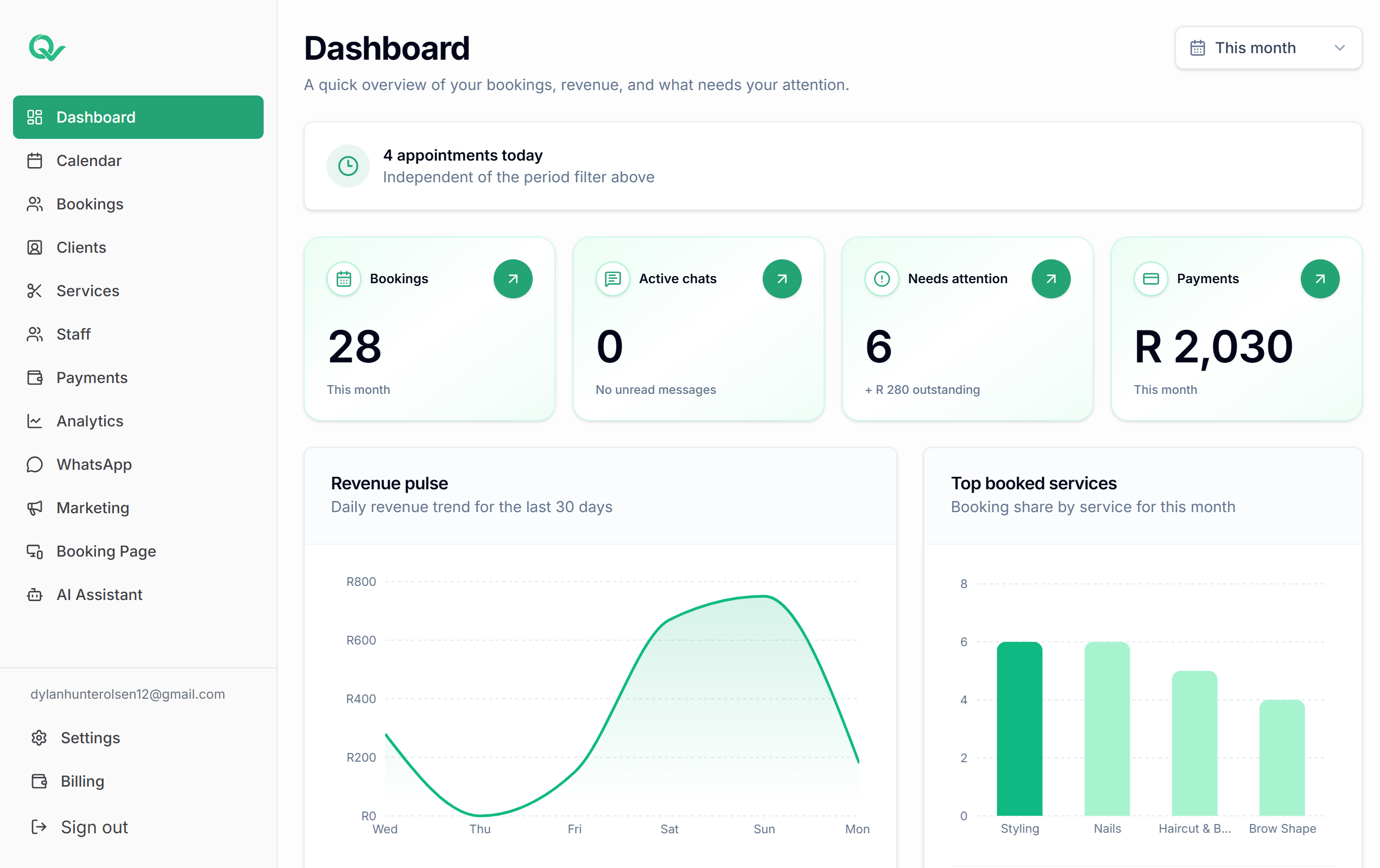
Qwickly dashboard overview
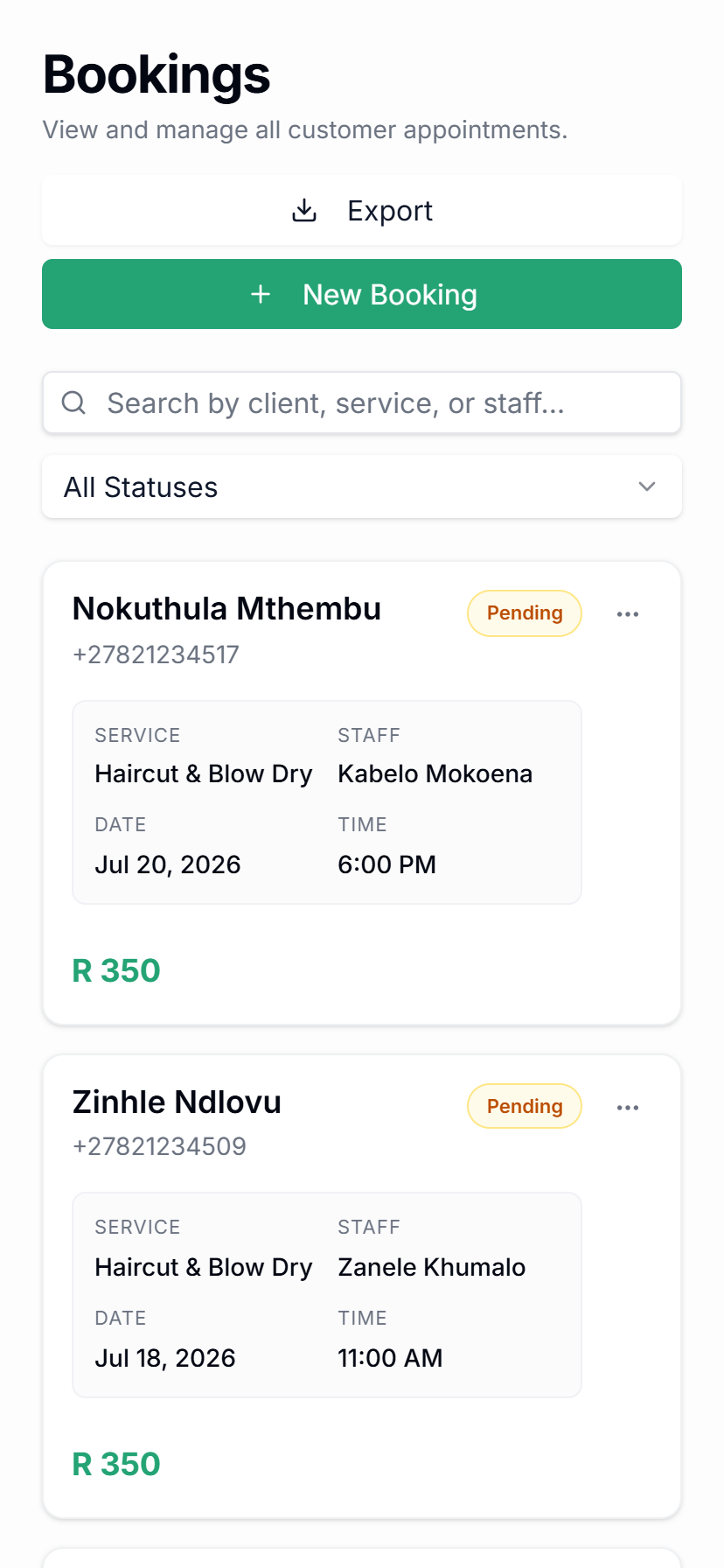
Qwickly bookings on mobile