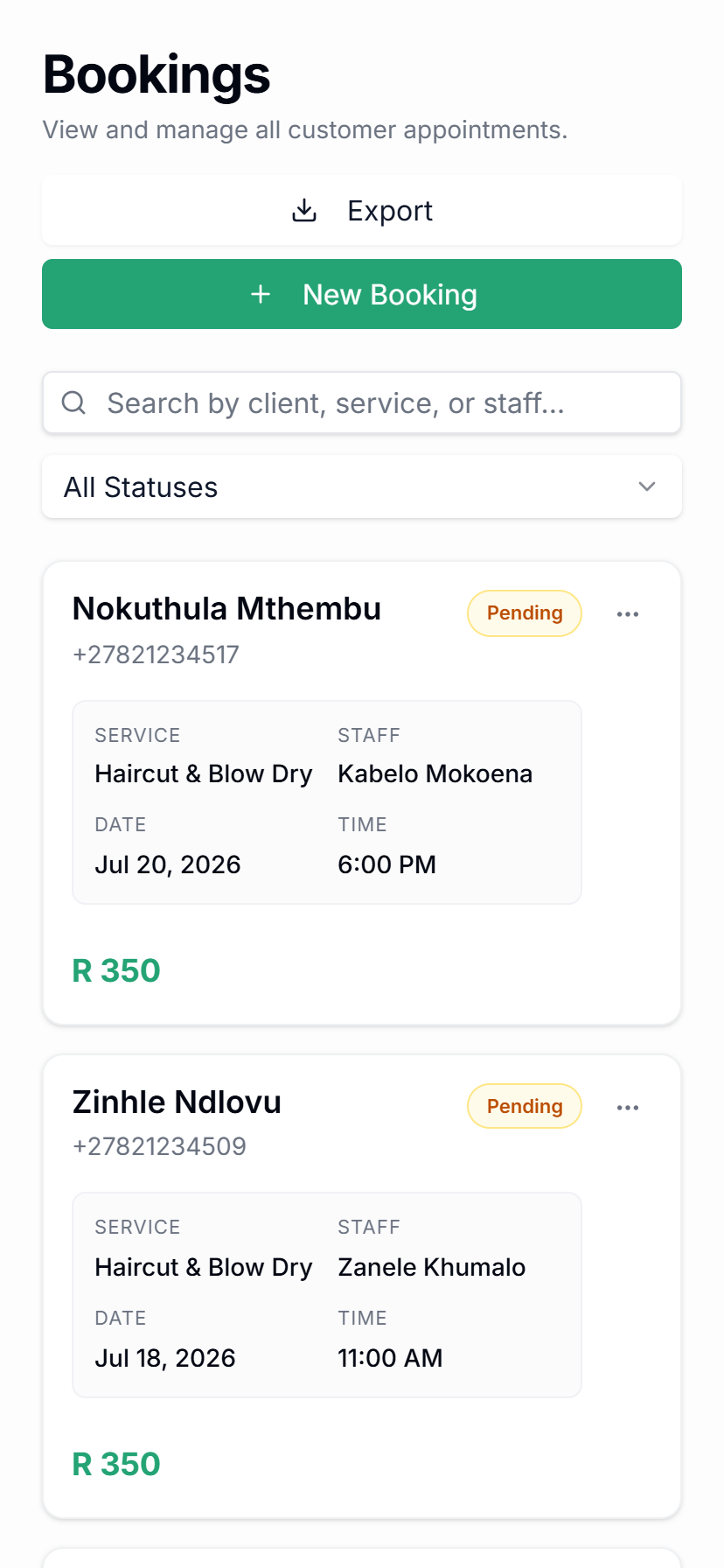
Service management
Set services, durations, prices, deposits, categories, and booking availability rules.
Qwickly connects the daily work that usually lives across WhatsApp chats, spreadsheets, calendars, payment screenshots, and separate marketing tools.
Every Qwickly feature connects to the same booking workflow, so your team is not jumping between WhatsApp, calendars, payment notes, spreadsheets, and separate marketing tools.
Online booking, WhatsApp AI, or campaign link.
Services, durations, prices, and staff availability.
Confirmed automatically or saved for team review.
History, notes, preferences, and contact details stay connected.
Deposits, confirmations, reminders, reschedules, and cancellations.
Campaigns, rebooking prompts, and client follow-up.
Qwickly gives your team one calendar for appointments, staff availability, booking status, deposits, cancellations, reschedules, and client context.
Every booking can connect back to a client profile, giving your team useful context before the appointment and better follow-up after it.
Use deposits for selected services or appointment types, so clients commit before your team blocks out time.
Your booking is confirmed.
Reminder: tomorrow at 09:00.
See you soon at Nala Studio!
Send confirmations and appointment reminders through WhatsApp so clients know when to arrive and your team spends less time chasing replies.
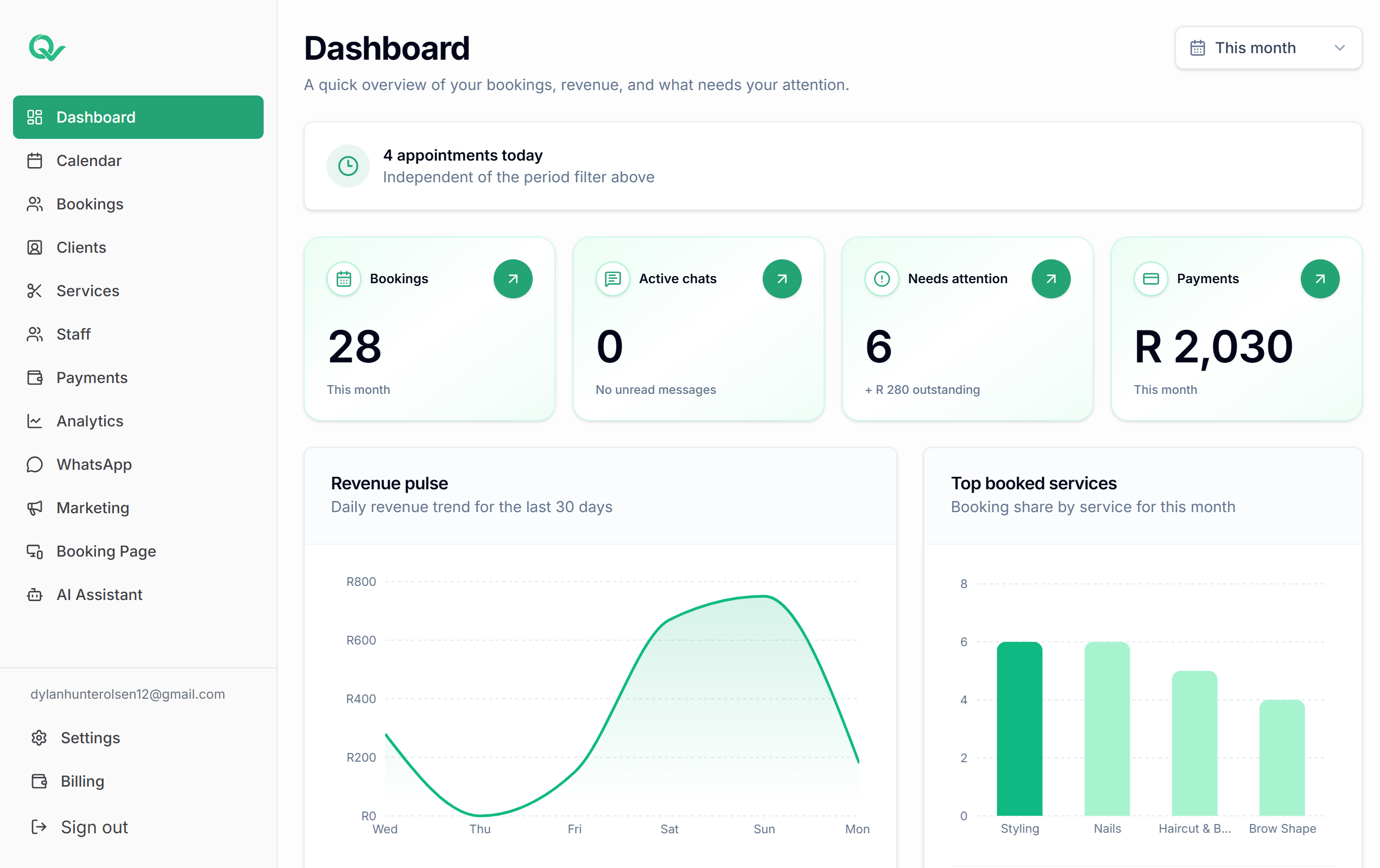
The dashboard side of Qwickly, where your team manages the schedule, clients, rules, and outreach.
Built around the daily work of service businesses: bookings, clients, staff, payments, WhatsApp communication, campaigns, and AI-assisted admin, all connected in one calm platform.
See appointments, status, deposits, staff, cancellations, and reschedules from one calm calendar view.
Give clients a public page where they choose service, staff member, date, and available time slot.
Set services, durations, prices, deposits, categories, and booking availability rules.
Keep client profiles, notes, booking history, contact details, and rebooking context together.
Manage staff profiles, services, working days, availability, and assigned bookings.
Track deposit expectations and payment status against each booking without losing context.
Send booking confirmations, reminders, and client updates through the channel clients already use.
Message selected client groups with targeted offers, announcements, and rebooking prompts.
AI-assisted WhatsApp booking support can help detect intent, ask for missing details, and prepare replies for review.
Qwickly works best for businesses that manage services, staff, time slots, repeat clients, deposits, and WhatsApp communication.
Start with your booking page, then connect reminders, campaigns, AI-assisted admin, and the workflows your service business needs.