Custom booking flows
Support special intake questions, service rules, multi-step booking needs, locations, packages, or approvals.
Some service businesses need more than standard booking software. Qwickly can support business-specific workflows, automations, reporting, and campaign needs.
Support special intake questions, service rules, multi-step booking needs, locations, packages, or approvals.
Build follow-ups, reminders, internal notifications, campaign triggers, and WhatsApp workflows around real operations.
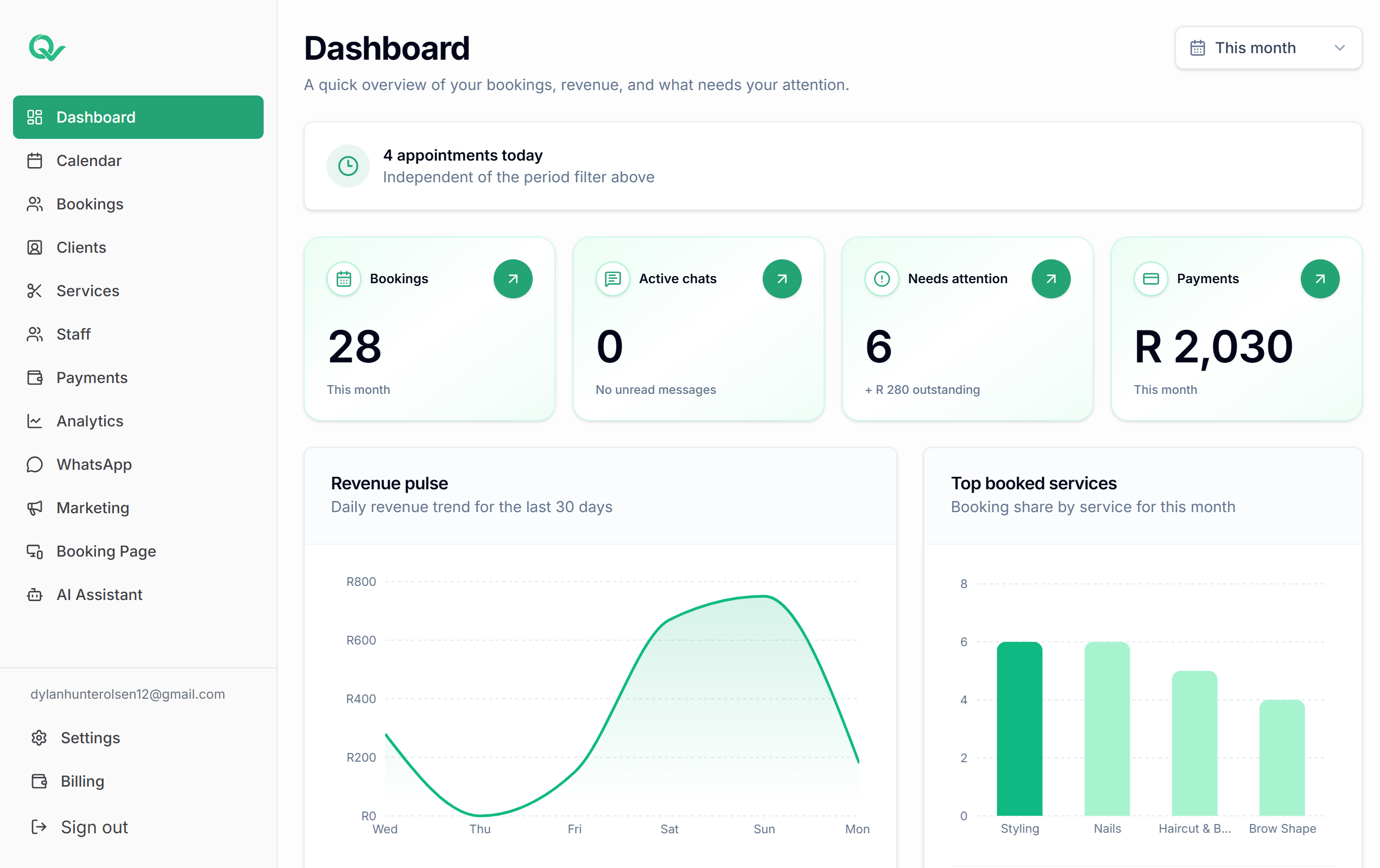
Create reporting views for staff performance, booking patterns, deposits, campaigns, clients, and operational visibility.
Different deposit rules by service, staff-specific availability, travel buffers, approval-only services, location-based booking flows, or special client categories.
Audience definitions, seasonal campaign workflows, campaign approval steps, and targeted client communication based on service history.
Custom views for owners who want to understand quiet days, popular services, staff load, payment status, and client rebooking behavior.
Review mode rules for which AI-assisted WhatsApp replies can be prepared, held, escalated, or reviewed by the team.
Start with your booking page, then connect reminders, campaigns, AI-assisted admin, and the workflows your service business needs.