Bookings & scheduling
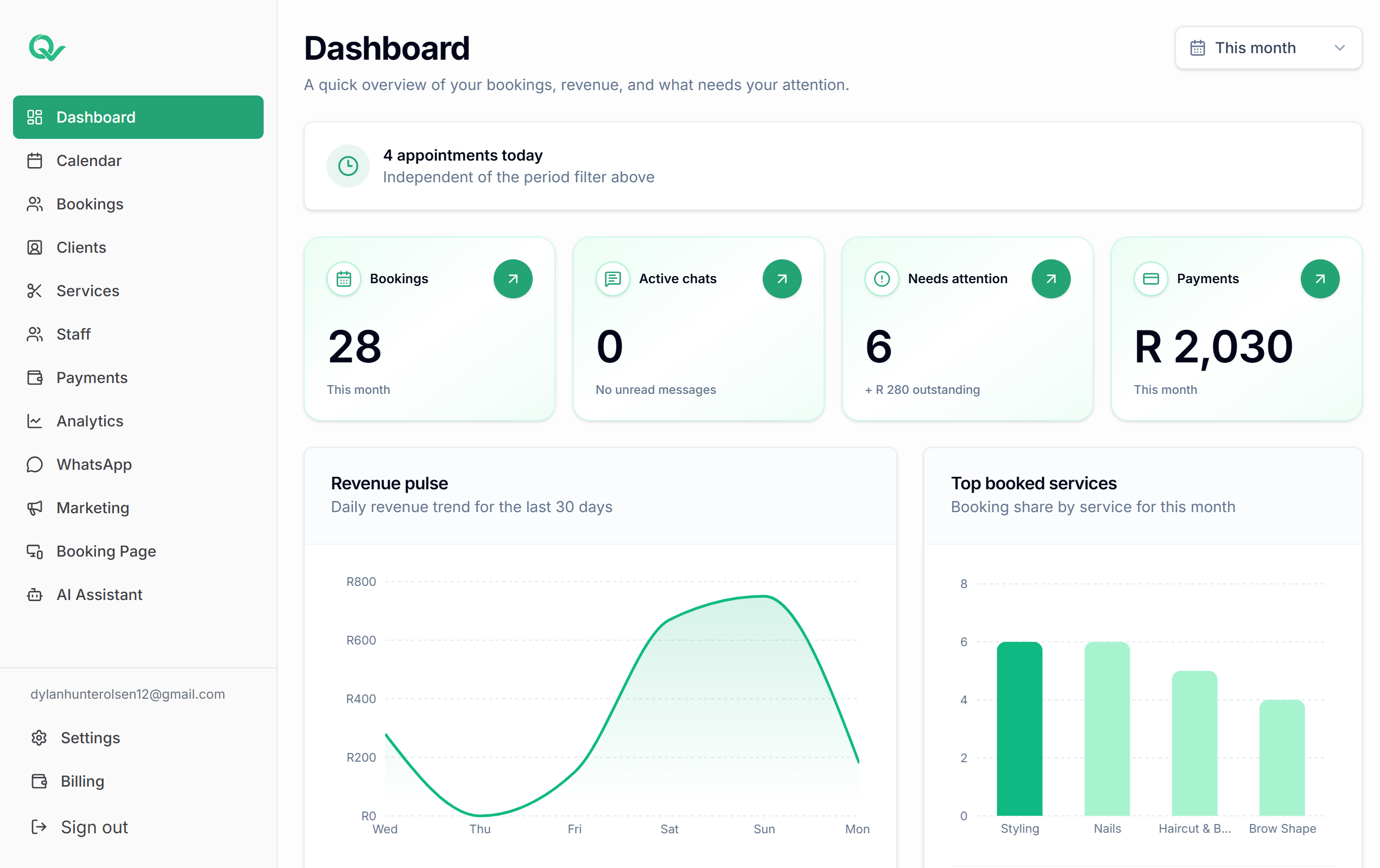
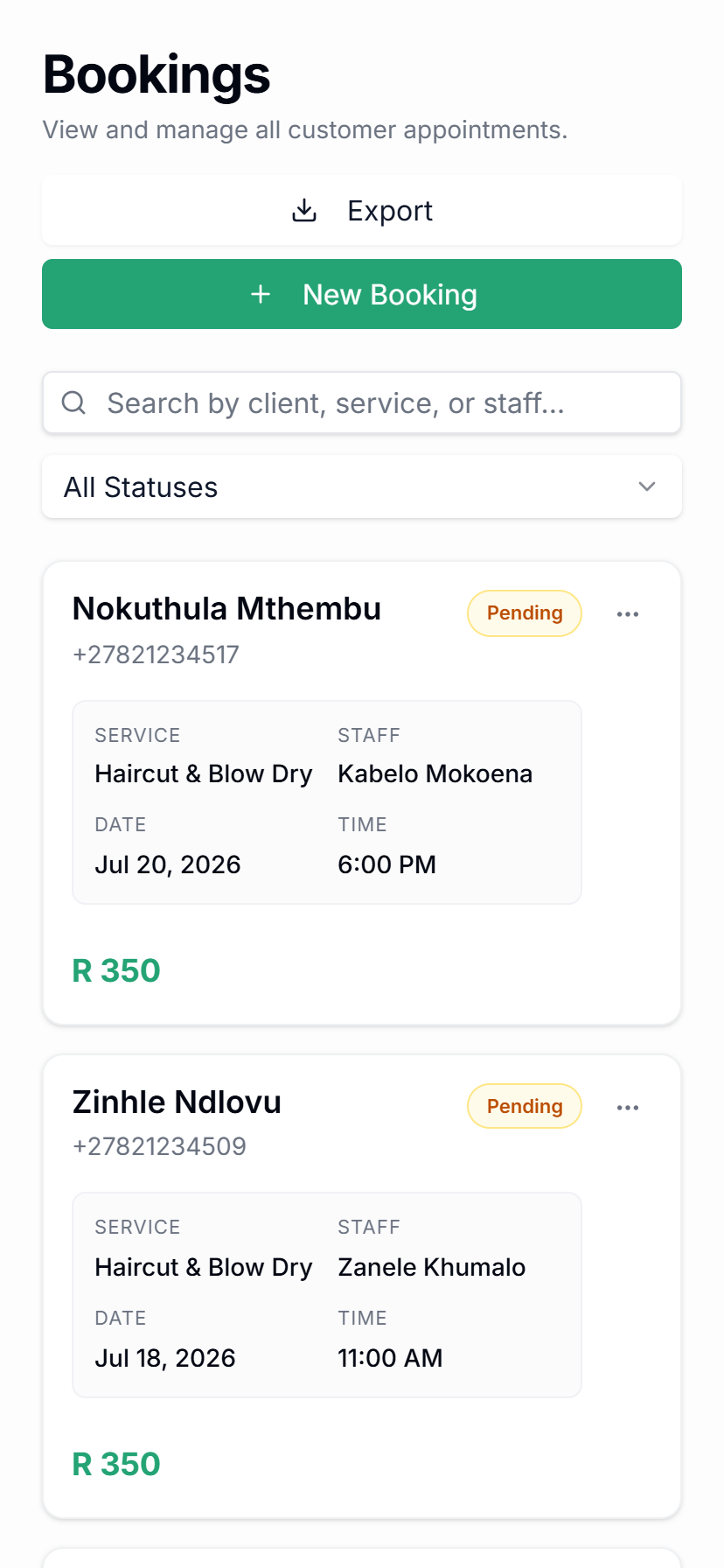
Manage appointments, sessions, practitioner availability, online bookings, and WhatsApp booking requests from one calendar.
Let clients book online or through WhatsApp, manage practitioner schedules, reduce no-shows with reminders, and keep every client note in one simple dashboard.

Qwickly brings bookings, clients, practitioners, services, payments, WhatsApp reminders, campaigns, and AI-assisted booking admin into one calm platform for wellness providers.
Unlock smoother growth with online bookings, WhatsApp booking support, and a smart calendar your whole team can actually run every day.
See each client more clearly with session history, preferences, reminders, campaign activity, notes, and payment context in one profile.
Create a polished booking experience that helps your practice feel organised, responsive, and easy for clients to keep coming back to.
Built around the daily work of wellness providers: bookings, clients, practitioner schedules, deposits, reminders, WhatsApp communication, campaigns, and the insight you need to stay organised.
Manage appointments, sessions, practitioner availability, online bookings, and WhatsApp booking requests from one calendar.
Help clients find times, ask about services, and request bookings through WhatsApp without every message needing manual replies.
Store client details, session history, notes, preferences, and important booking information in one profile.
Send automatic booking confirmations and appointment reminders to reduce no-shows and last-minute confusion.
Take deposits for selected sessions to protect your time and reduce unpaid cancellations.
Send targeted WhatsApp campaigns for quiet days, promotions, repeat visits, and seasonal offers.
Request reviews after appointments and keep track of client feedback from your dashboard.
See booking trends, client activity, practitioner performance, and service demand so you can make better business decisions.
Qwickly is designed to help wellness providers capture booking requests, stay organised, reduce repetitive admin, and keep more client context in one place.
Handle booking requests from WhatsApp and online booking without losing messages in the rush of the day.
Manage bookings, practitioner schedules, reminders, deposits, and client details from one connected system.
Automate confirmations and appointment reminders so your team spends less time following up manually.
Use AI review mode when you want to check booking replies before anything is sent to a client.

Qwickly helps your practice respond faster, remember the details that matter, and give clients a smoother experience before, during, and after their appointment.
Clients can ask questions, request a booking, confirm their appointment, and receive reminders without waiting for your team to reply manually.
Your team can quickly see client notes, preferences, session history, and booking details so every appointment feels more personal.
Send review requests, rebooking prompts, campaigns, or follow-ups that help turn one appointment into the next one.
Quick answers about WhatsApp bookings, online booking, practitioners, services, deposits, reminders, and client details.
Tell us how your booking process works and we will help shape the right Qwickly setup.
Let Qwickly handle more of the booking and reminder admin around your client work.