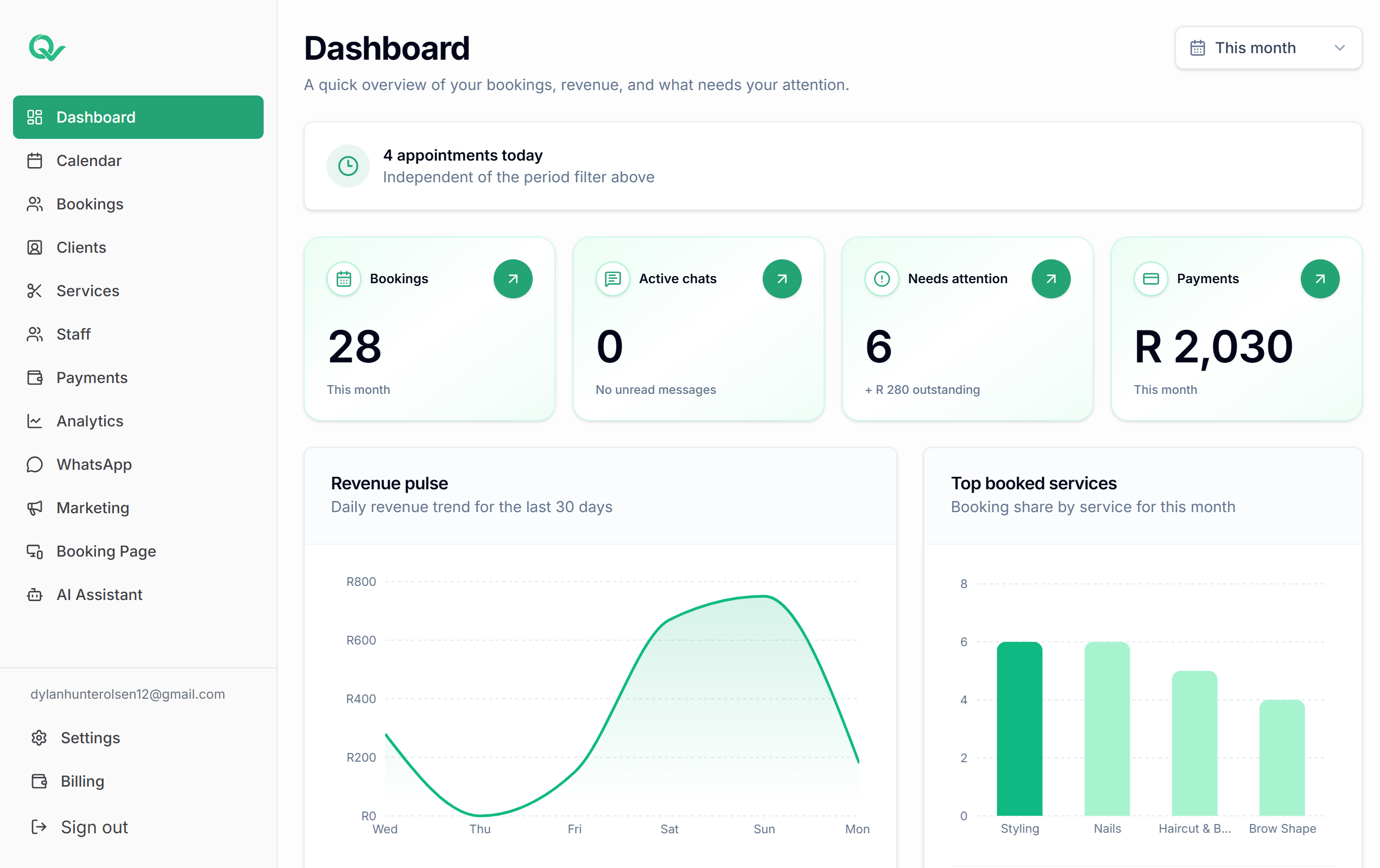
Dashboard and login
Access to the Qwickly workspace, calendar, client records, staff, services, and analytics.
A static status page for the core parts of Qwickly. Live incident reporting and uptime automation can be connected later when the production monitoring flow is confirmed.
This page is prepared for availability updates. Qwickly should only show live uptime metrics once the actual monitoring source is connected.
These areas match the main Qwickly workflows customers depend on.
Access to the Qwickly workspace, calendar, client records, staff, services, and analytics.
Public booking pages, slot selection, service selection, staff availability, and booking submission.
Reminder delivery, booking communication, campaign sending, and AI-assisted WhatsApp review mode.
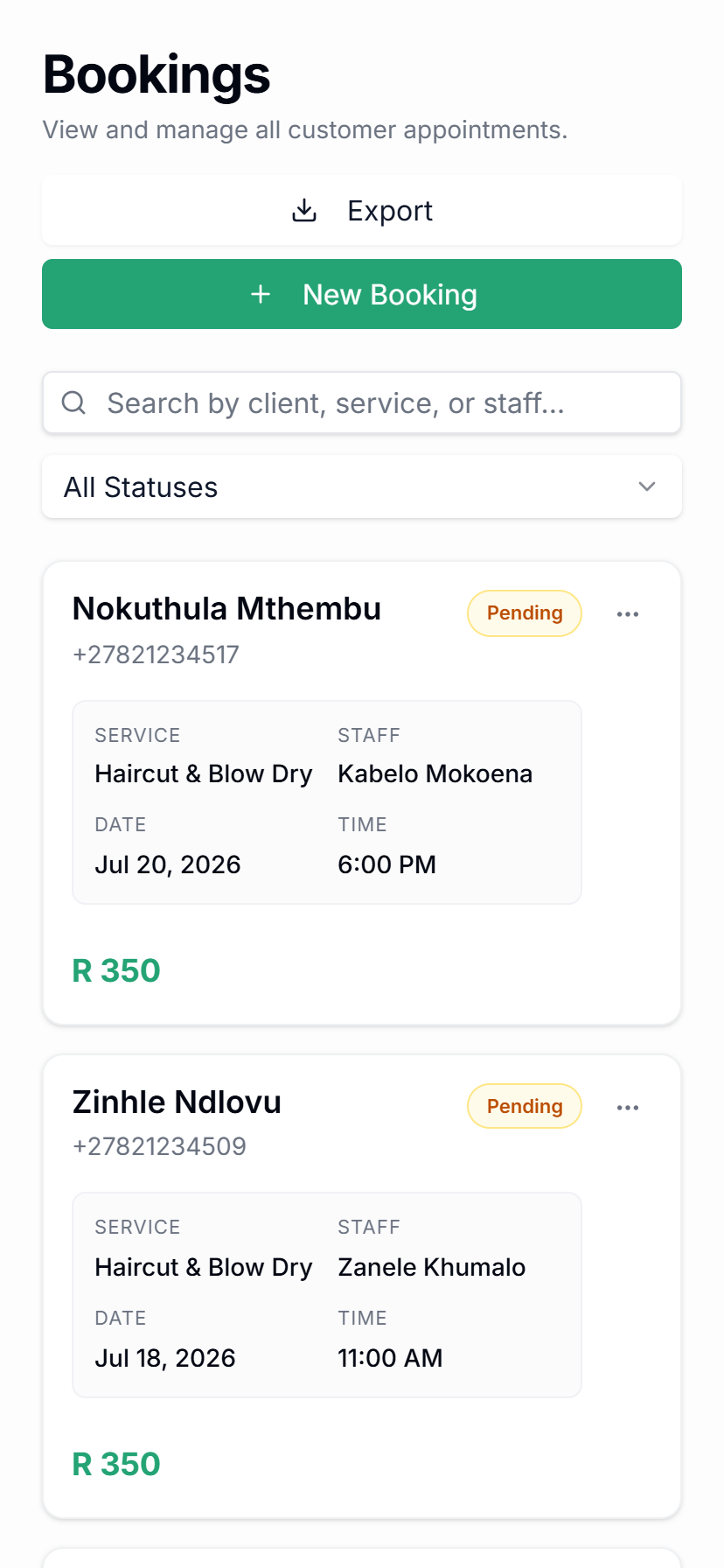
Deposit status, payment tracking, and booking-linked payment information inside the dashboard.
Targeted WhatsApp campaign setup, audience selection, campaign review, and send status.
Future status updates can include connected providers and custom workflow dependencies.
When live operations are connected, this page can list active incidents, affected services, updates, and resolution notes.
Planned maintenance can be posted here with dates, expected impact, and customer communication details.
Start with your booking page, then connect reminders, campaigns, AI-assisted admin, and the workflows your service business needs.